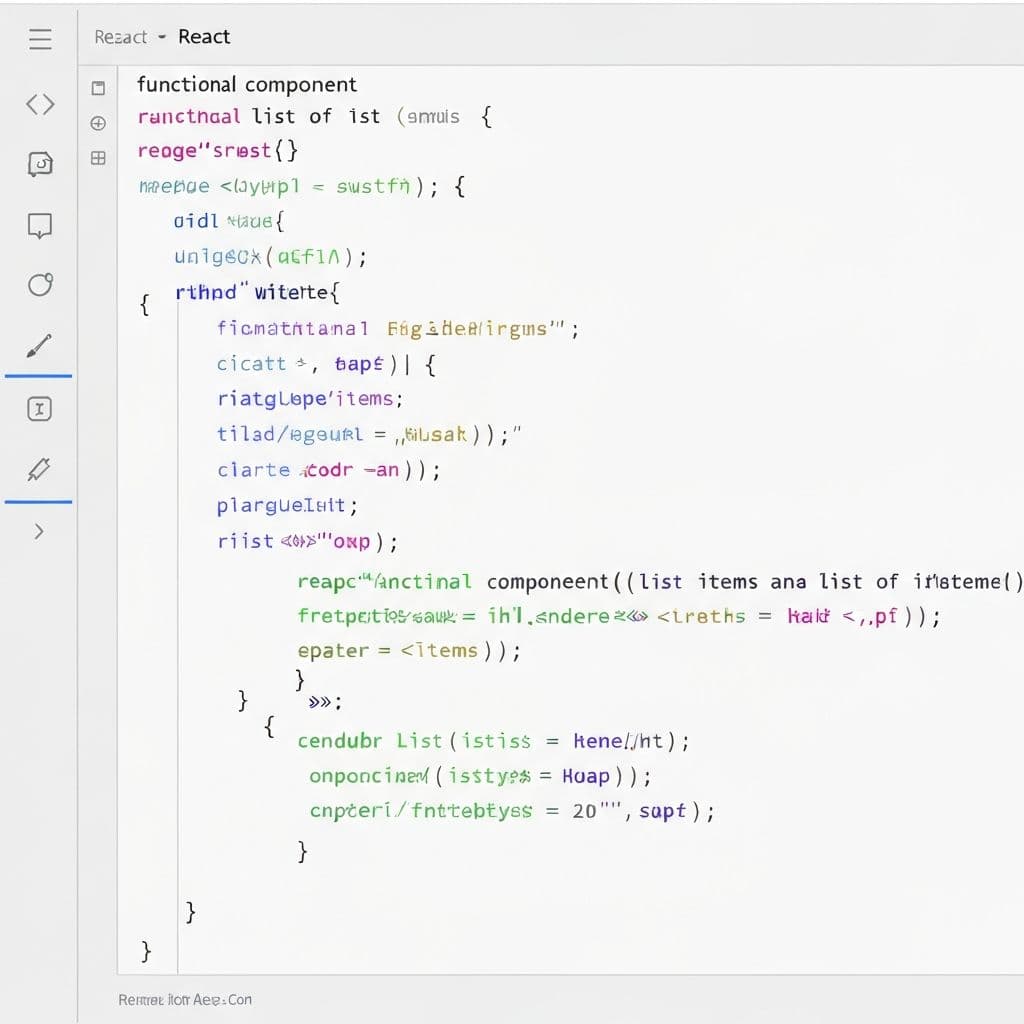
React 19 represents one of the most significant updates to the React ecosystem in years. With the introduction of stable Server Components, Actions, and a host of new hooks, React continues to push the boundaries of what is possible in modern web development. Whether you are building a new project or maintaining an existing codebase, understanding these changes is essential for staying competitive as a developer.
Key Features in React 19
Server Components Are Now Stable
Server Components, which were previously experimental, are now a stable part of the React ecosystem. They allow you to render components on the server, reducing the amount of JavaScript sent to the client. This results in faster page loads, better SEO, and improved performance on low-powered devices. Server Components can directly access databases, file systems, and other server-side resources without building separate API endpoints.
In practice, this means you can fetch data at the component level without useEffect or client-side data fetching libraries. The component runs on the server, and only the rendered HTML is sent to the browser. This pattern dramatically simplifies data fetching and eliminates entire categories of bugs related to loading states, race conditions, and cache invalidation.
Actions: Simplified Form Handling
React 19 introduces Actions, a new pattern for handling form submissions and mutations. Actions work with both client and server components, providing a unified API for data mutations. You can pass an async function to form elements, and React handles pending states, error handling, and optimistic updates automatically. This replaces many use cases where developers previously relied on form libraries or complex state management.
New Hooks: useActionState and useOptimistic
The useActionState hook provides a way to track the state of form actions, including pending states and error handling. The useOptimistic hook enables you to show optimistic UI updates while an action is in progress. These hooks work together to create responsive, user-friendly forms that feel instant even when server communication is required.
Performance Improvements
React 19 includes significant performance optimizations under the hood. The new compiler automatically memoizes components and values, reducing unnecessary re-renders without requiring manual useMemo or useCallback calls. Hydration has also been improved, with better error recovery and streaming support. The overall bundle size has been reduced, and the reconciliation algorithm has been fine-tuned for better performance in large applications.
- Automatic memoization: The React compiler eliminates the need for manual performance optimization in most cases.
- Improved hydration: Better error recovery during hydration means fewer full-page refreshes.
- Smaller bundle size: React 19 ships with a smaller core runtime.
- Concurrent features: Transitions and suspense boundaries are more stable and performant.
Migration Guide: Upgrading from React 18
Upgrading to React 19 requires careful planning, but the migration path is well-documented. Start by updating your dependencies and running the official codemods to handle breaking changes. Test thoroughly, particularly around components that use deprecated APIs like forwardRef (which is no longer needed in React 19) and legacy context.
Step-by-Step Upgrade Process
- Update React and React DOM to version 19 in your package.json.
- Run the official React 19 codemods to handle automatic transformations.
- Remove unnecessary forwardRef wrappers, as ref is now a regular prop.
- Replace deprecated string refs with callback refs or useRef.
- Update your testing setup to support the new features.
- Review and update any custom hooks that depend on internal React behavior.
Best Practices for React 19 Projects
When starting new projects with React 19, leverage Server Components by default and only add client interactivity where needed. Use the "use client" directive sparingly. Adopt Actions for all data mutations and form handling. Take advantage of the new hooks for state management and optimistic updates. Structure your component tree so that data-fetching components are server components while interactive elements are client components.
Conclusion
React 19 marks a pivotal moment in the evolution of the library. The stable release of Server Components, combined with Actions and new hooks, provides a more cohesive and powerful development experience. At Bitropix, our development team has already adopted React 19 for new projects and is actively migrating existing applications. If you need help upgrading your React applications or building new ones with the latest features, reach out to our team.
Vikram Patel
Senior Frontend Developer
Vikram Patel is a member of the Bitropix team, contributing insights on development and related topics. With deep industry experience, they help businesses navigate technology challenges and drive innovation.