DevOps automation is the backbone of modern software delivery. Organizations that invest in robust CI/CD pipelines deploy 200 times more frequently than their peers, with 24 times faster recovery from failures and 3 times lower change failure rates. This guide covers everything you need to know about automating your DevOps pipeline, from code commit to production deployment.
The Anatomy of a Modern CI/CD Pipeline
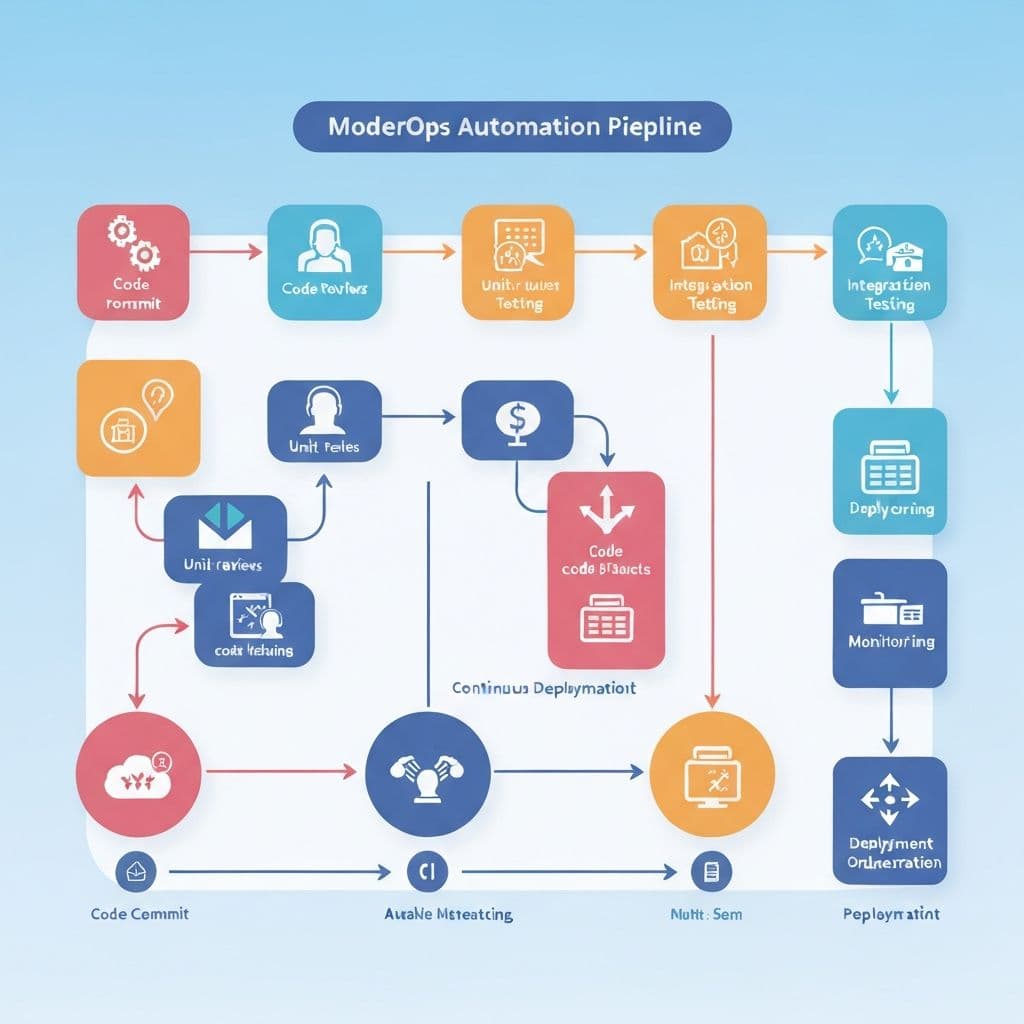
A well-designed CI/CD pipeline automates every step between a developer pushing code and that code running in production. The pipeline typically includes source control management, automated building, unit and integration testing, security scanning, artifact storage, deployment to staging, acceptance testing, and production deployment. Each stage acts as a quality gate, catching issues before they reach production.
Source Control and Branching Strategies
Your pipeline starts at source control. Git is the universal standard, but your branching strategy significantly impacts automation. Trunk-based development, where developers commit to the main branch frequently, pairs best with CI/CD automation. Feature flags replace long-lived feature branches, enabling continuous integration without sacrificing control over feature releases. GitHub Flow provides a simpler alternative for smaller teams.
Continuous Integration: Build and Test Automation
Build Automation
Every code push should trigger an automated build. Use containerized build environments (Docker) for consistency and reproducibility. Cache dependencies to speed up builds. Parallelize build steps where possible. A good CI build should complete in under 10 minutes to maintain developer productivity.
Testing Automation
Implement a testing pyramid with many unit tests, fewer integration tests, and minimal end-to-end tests. Run fast tests first to fail early. Use test parallelization to maintain speed as your test suite grows. Integrate code coverage reporting but focus on testing critical paths rather than chasing coverage percentages.
- Unit tests: Fast, isolated, run on every commit. Target critical business logic.
- Integration tests: Test service boundaries and data flows. Run in CI.
- End-to-end tests: Simulate real user scenarios. Run before deployment to staging.
- Performance tests: Catch regressions in response times and resource usage.
Security Automation (DevSecOps)
Security must be integrated into the pipeline, not bolted on after the fact. Implement static application security testing (SAST) to scan code for vulnerabilities, dependency scanning to catch vulnerable libraries, container image scanning for known CVEs, and dynamic application security testing (DAST) against running environments. Use tools like Snyk, SonarQube, and Trivy to automate these checks.
Infrastructure as Code
Your infrastructure should be defined in code and managed through the same pipeline as your application. Terraform, Pulumi, and CloudFormation enable you to version, review, and test infrastructure changes alongside application code. Use modules and templates for reusable infrastructure patterns. Implement drift detection to catch manual changes that bypass the pipeline.
Deployment Strategies
Choose deployment strategies that minimize risk and enable fast rollback. Blue-green deployments maintain two identical environments and switch traffic between them. Canary deployments gradually route a percentage of traffic to the new version. Rolling deployments update instances incrementally. Each strategy has trade-offs in terms of resource requirements, rollback speed, and testing coverage.
Monitoring and Observability Post-Deployment
Deployment is not the end of the pipeline. Implement automated health checks, error rate monitoring, and performance baselines. Use automated rollback triggers when key metrics exceed thresholds. Integrate deployment events with your monitoring dashboards so you can correlate changes in behavior with specific releases.
Tools of the Trade
The DevOps tooling ecosystem is rich. GitHub Actions and GitLab CI offer integrated pipeline solutions. Jenkins remains popular for complex, customizable pipelines. ArgoCD leads the GitOps space for Kubernetes deployments. Choose tools that integrate well with your existing stack and invest in team training to maximize their value.
Getting Started
Start by automating your most painful manual process. If deployments are error-prone, automate deployment first. If bugs reach production frequently, invest in test automation. Build incrementally, measuring improvement at each step. At Bitropix, we help teams design and implement DevOps pipelines tailored to their technology stack and business needs.
Rahul Verma
CEO & Co-Founder
Rahul Verma is a member of the Bitropix team, contributing insights on devops and related topics. With deep industry experience, they help businesses navigate technology challenges and drive innovation.