Startups operate under unique constraints: limited budgets, tight timelines, and the need to validate ideas quickly. Yet good design is not a luxury but a competitive advantage. A well-designed product reduces development costs, improves user adoption, and differentiates you from competitors. This guide presents a lean but comprehensive UI/UX design process tailored for startups at every stage.
Phase 1: Discovery and Research
Before designing anything, understand the problem you are solving and for whom. Conduct lightweight user research through customer interviews (5-8 interviews reveal 80% of usability issues), competitor analysis, and market research. Create user personas based on real data, not assumptions. Map the current user journey to identify pain points and opportunities. This phase should take 1-2 weeks, not months.
- Interview 5-8 potential users to understand their pain points and workflows.
- Analyze 3-5 competitor products for strengths and weaknesses.
- Create 2-3 user personas with goals, frustrations, and behaviors.
- Map the current user journey highlighting key pain points.
Phase 2: Information Architecture
Define how your product's content and functionality are organized. Create a site map or app structure that reflects user mental models, not your organizational chart. Use card sorting with potential users to validate your navigation structure. Define the core user flows for your most important tasks. Keep the information architecture simple and expandable.
Phase 3: Wireframing
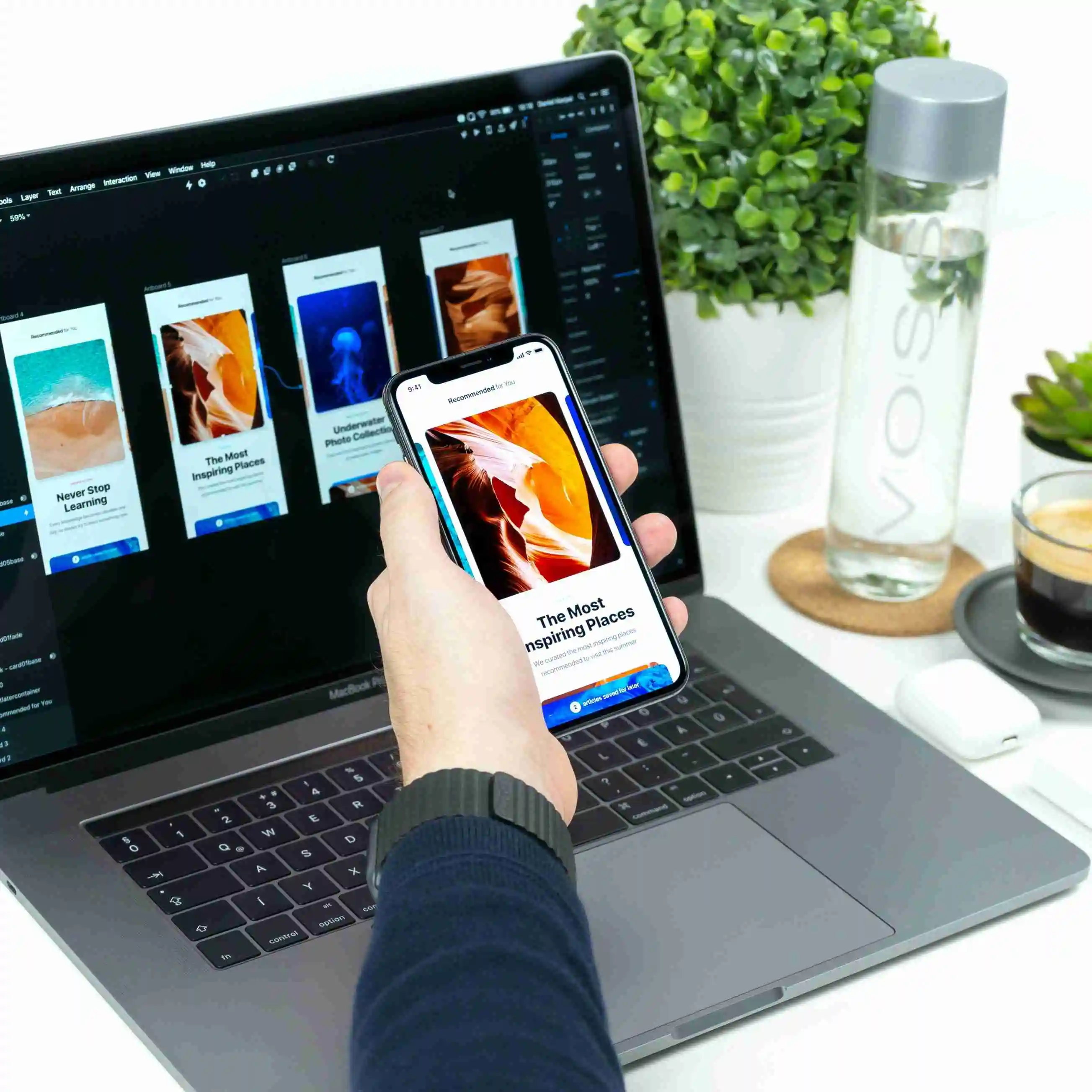
Wireframes are low-fidelity representations of your product's layout and functionality. Start with sketches on paper to explore multiple ideas quickly. Move to digital wireframes in Figma or similar tools for key screens. Focus on content hierarchy, user flow logic, and interaction patterns rather than visual design. Share wireframes with stakeholders and potential users for early feedback.
Wireframing Best Practices
Keep wireframes intentionally ugly to focus feedback on structure rather than aesthetics. Use real content (or realistic placeholders) instead of lorem ipsum. Design for the most complex scenario first, then simplify. Create wireframes for mobile and desktop simultaneously if building a responsive product. Document key interactions and state changes with annotations.
Phase 4: Visual Design
Transform wireframes into high-fidelity designs that reflect your brand identity. Start by defining your design system: color palette, typography, spacing scale, component styles, and interaction patterns. A consistent design system saves enormous time as your product grows. Use existing design systems like Material Design or Shadcn/UI as a starting point and customize to match your brand.
Phase 5: Prototyping and User Testing
Create interactive prototypes in Figma to simulate the real user experience. Test prototypes with 5 representative users, observing how they navigate and complete tasks. Focus on task completion rates, error patterns, and subjective satisfaction. Iterate on designs based on testing results. Repeat testing after significant changes. This step prevents costly development rework.
Phase 6: Design Handoff and Development Support
Prepare design specifications that developers can implement accurately. Use Figma's developer mode to provide exact measurements, colors, and component specs. Document interactive behaviors, edge cases, and error states. Stay involved during development to answer questions, review implementations, and handle design decisions that arise during coding.
Phase 7: Post-Launch Iteration
Design does not end at launch. Implement analytics to track how users actually use your product. Monitor key metrics like task completion rates, drop-off points, and feature adoption. Conduct regular usability tests and gather qualitative feedback. Use this data to prioritize design improvements in your product roadmap.
Budget-Friendly Design Tools for Startups
Figma offers a generous free tier that covers most startup needs. Use Maze or Useberry for unmoderated usability testing. Hotjar provides heatmaps and session recordings for post-launch analysis. Notion or FigJam work well for research documentation and collaboration. Invest in one good design tool rather than spreading across many.
Work with Bitropix Design Team
At Bitropix, we offer flexible design engagements for startups. From one-time design sprints to ongoing design partnerships, we adapt our process to your stage and budget. Our team brings experience across industries and platforms, helping startups build products that users love from day one.
Ananya Singh
Cloud Solutions Architect
Ananya Singh is a member of the Bitropix team, contributing insights on design and related topics. With deep industry experience, they help businesses navigate technology challenges and drive innovation.